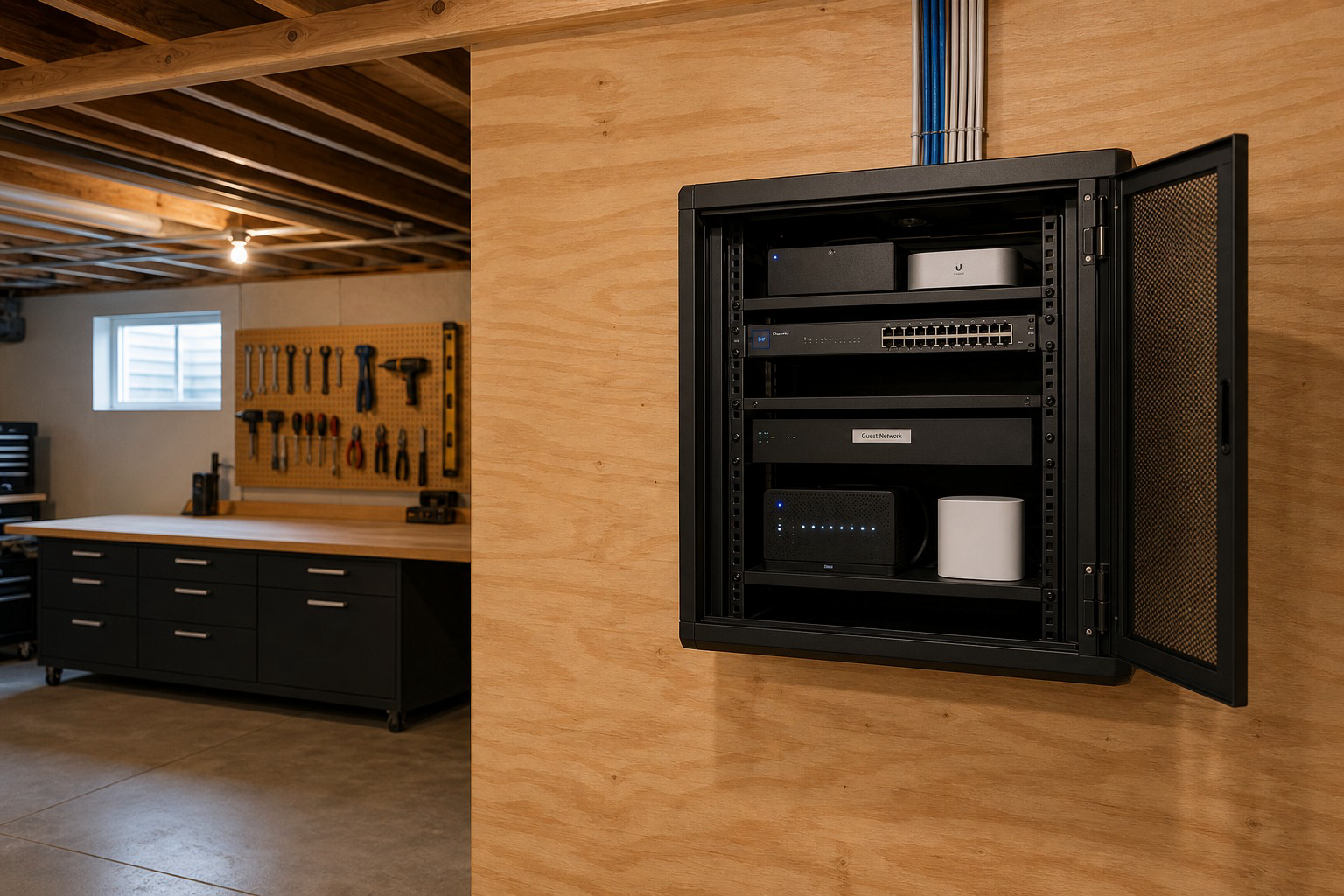
Visitors need the password. Doorbells, bulbs, and streaming sticks need a path to the cloud. None of that belongs on the same open network as your work laptop and NVR. Guest Wi-Fi and IoT segmentation keeps casual and chatty devices in their own lanes so a compromised gadget or a borrowed password does less damage.
Guest SSID for people, not for everything
A guest network should give visitors internet and block them from printers, cameras, and shared drives on the LAN. Rotate the password when you host often or run a short-term rental. Do not print the main SSID on a kitchen chalkboard. Client isolation on the guest SSID stops one visitor laptop from scanning another. For weekend guests, a temporary password you change on Monday is enough discipline for most families.
IoT on its own island
Bulbs, plugs, sensors, and voice speakers chatter constantly. Park them on an IoT SSID or VLAN that can reach the internet and, when required, a hub, but cannot freely browse your file shares. Cameras and gate controllers deserve tighter rules than a smart plug. If a bulb brand needs local discovery, allow only that path instead of flat trust across the whole house. Dumping every gadget onto guest Wi-Fi is a common shortcut that breaks casting and local camera apps; a dedicated IoT segment is cleaner.
Keep the important gear boring and reachable
Phones, laptops, and the primary work machines stay on the trusted LAN. Gate cloud access, NVRs, and video intercoms should not depend on the guest password. After you segment, test: can a phone on guest see the camera app's local device list? It should not. Can you still open the gate app on the trusted SSID? It should. Coverage still matters; segmentation on a dead-zone house only rearranges the frustration. Fix placement with a wired AP plan when rooms still drop.
We set guest and IoT segments as part of whole-home network installs in North Georgia. Networking service, request an estimate, or call (706) 395-8762.